Brutalism
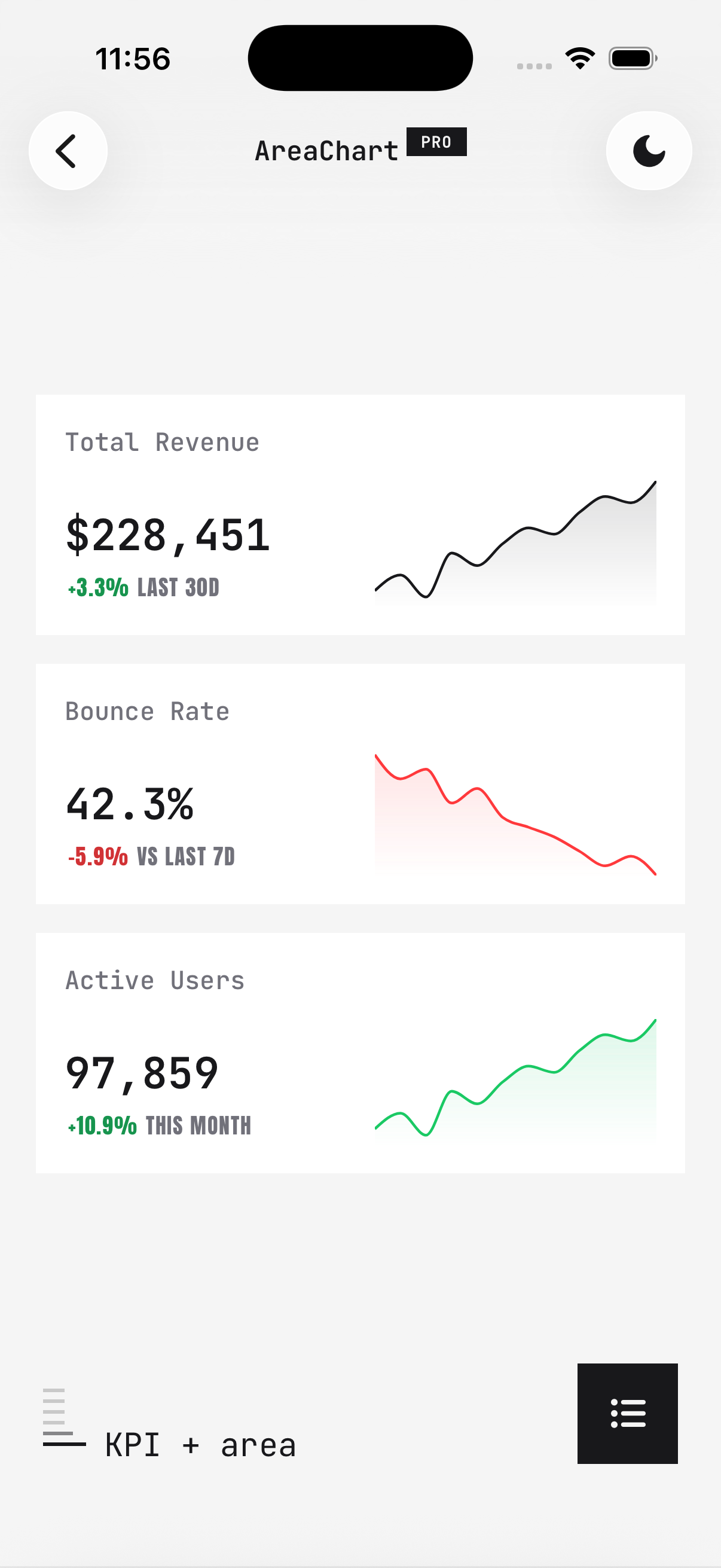
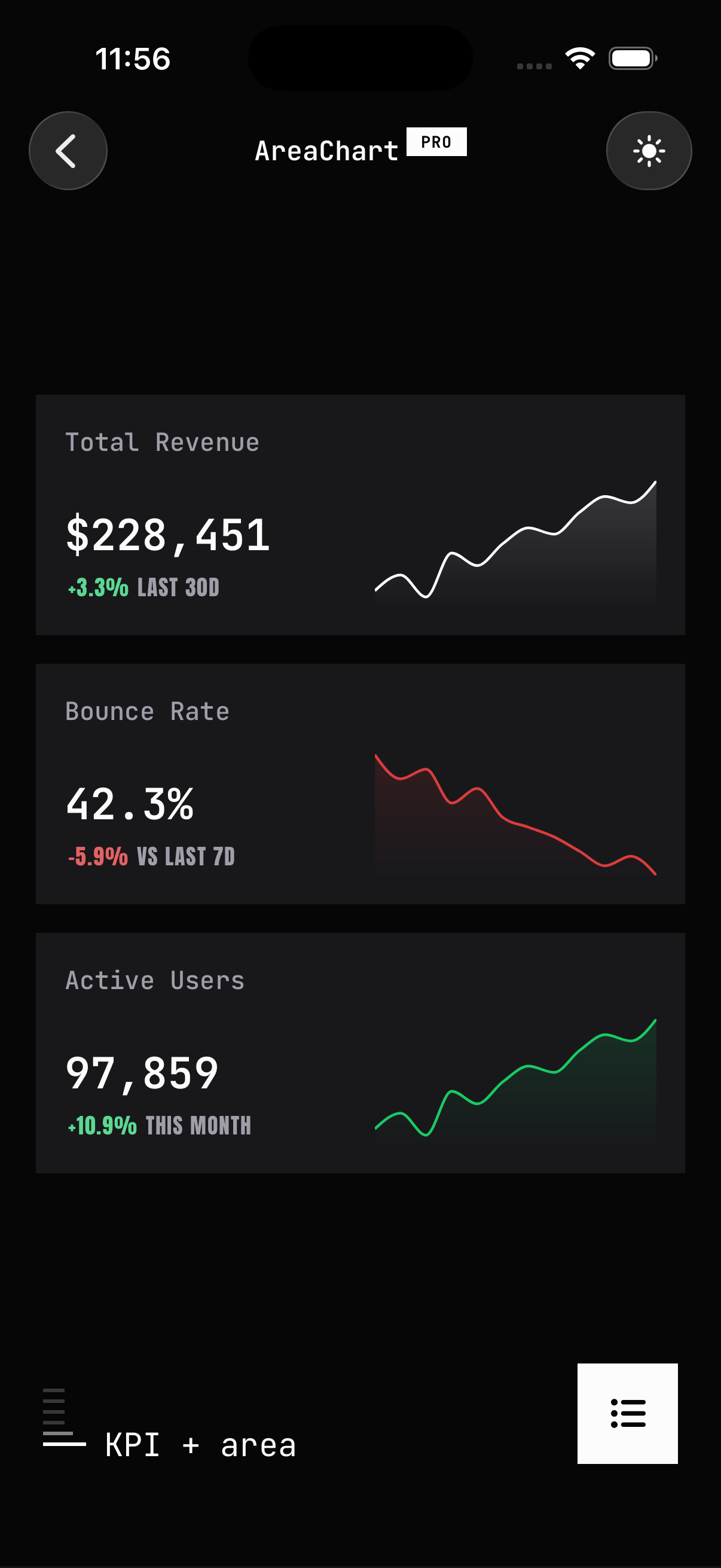
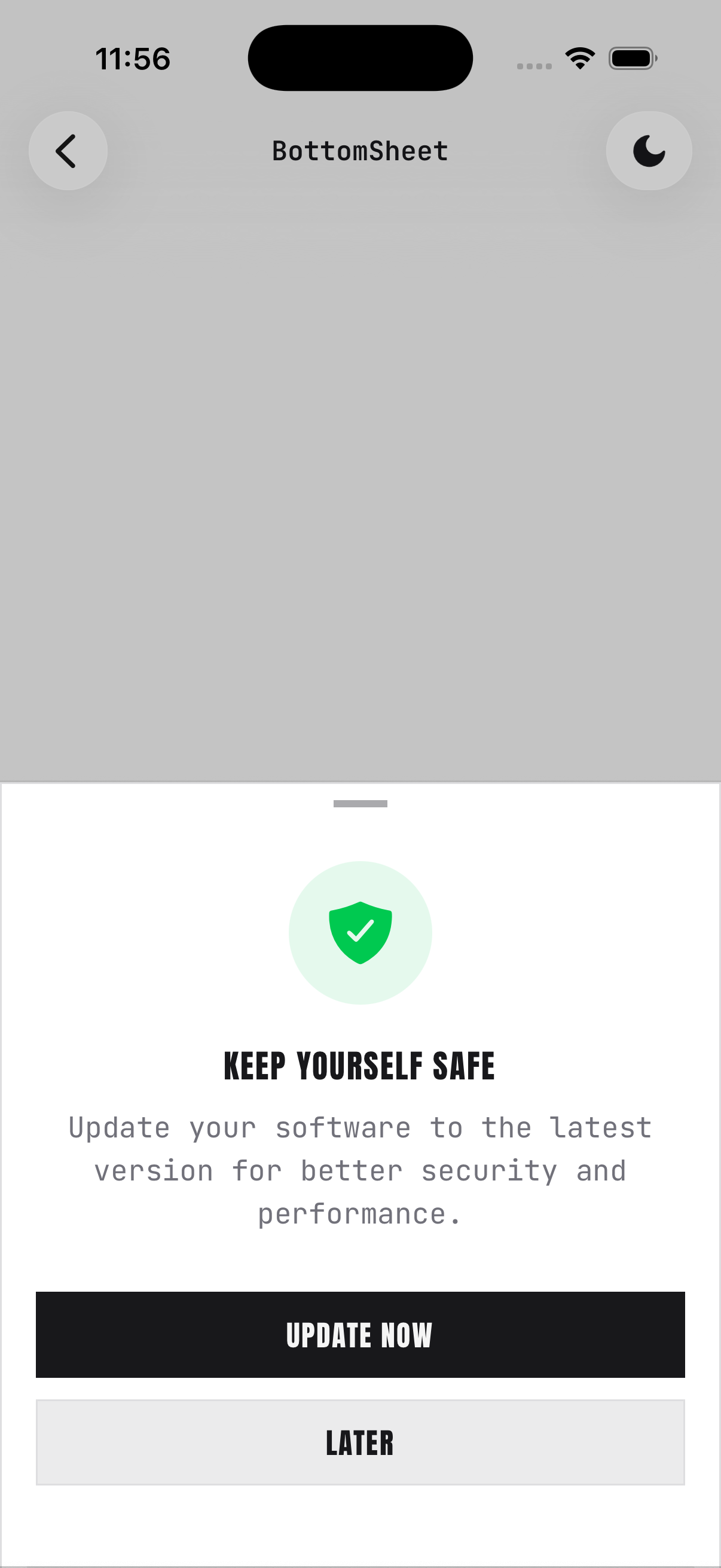
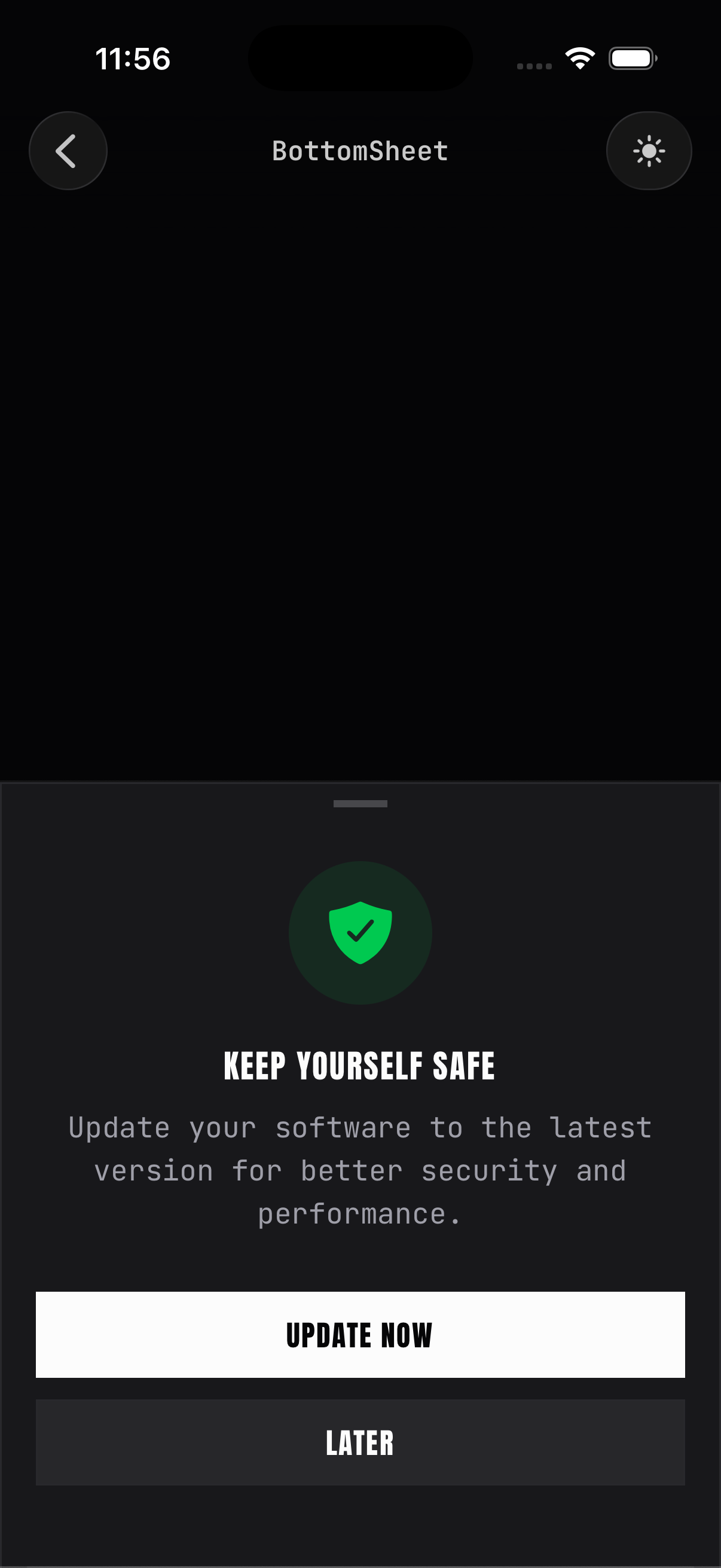
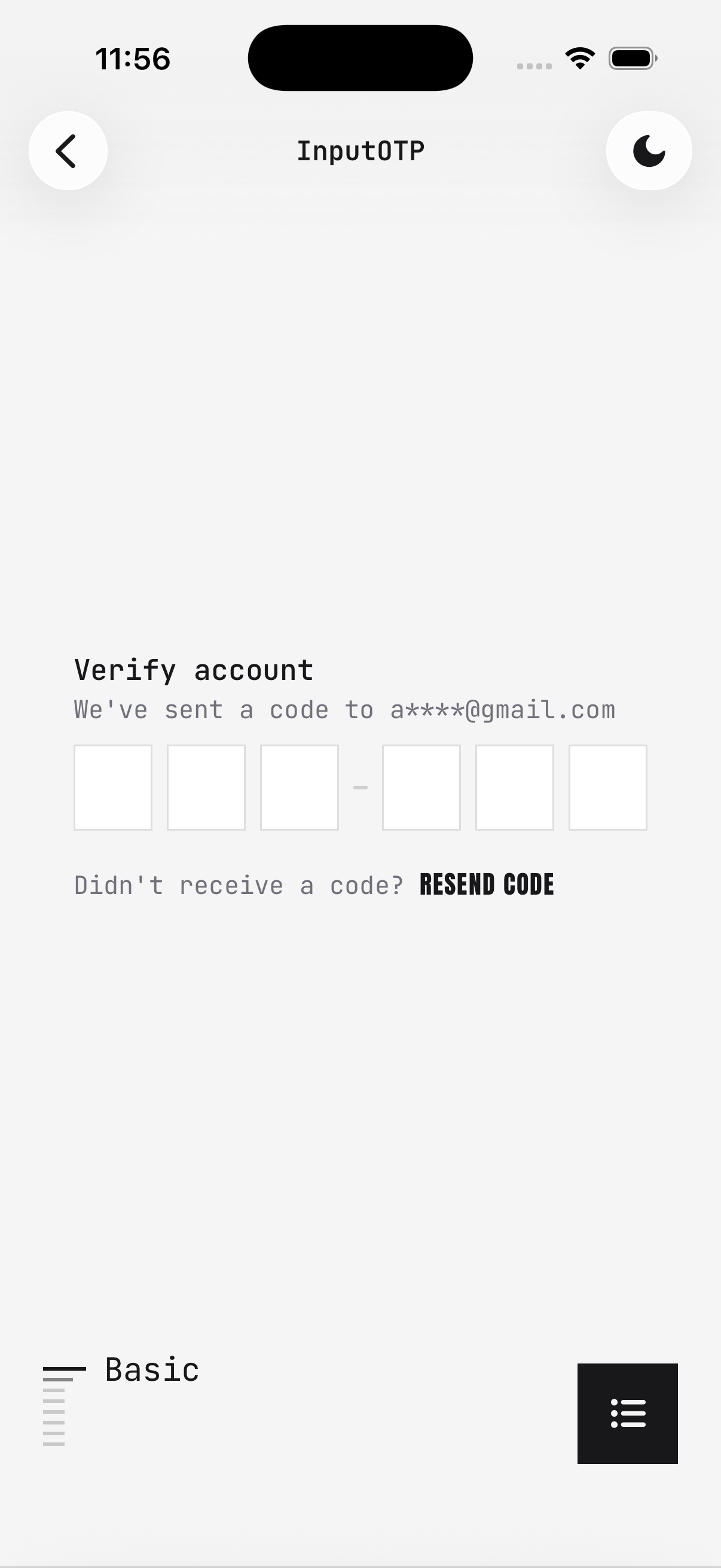
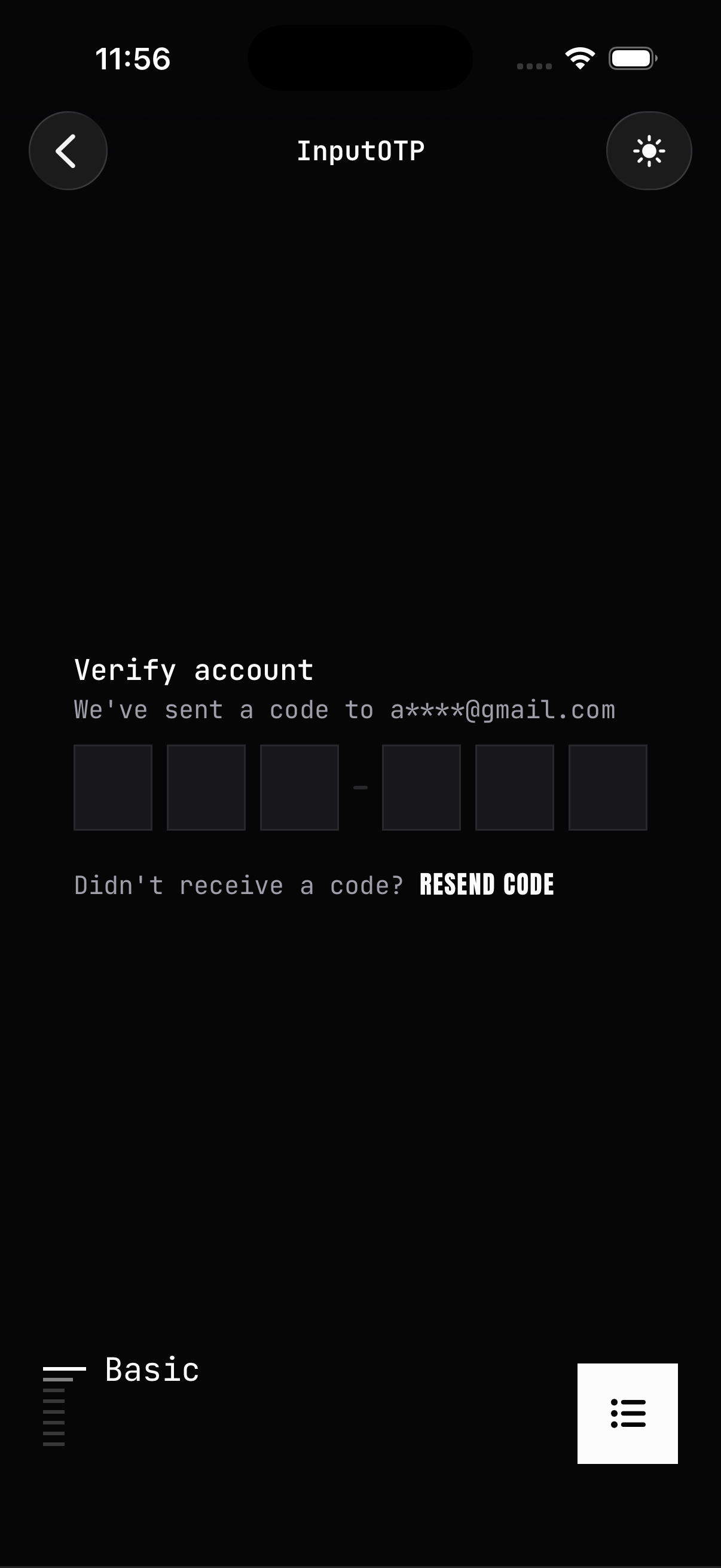
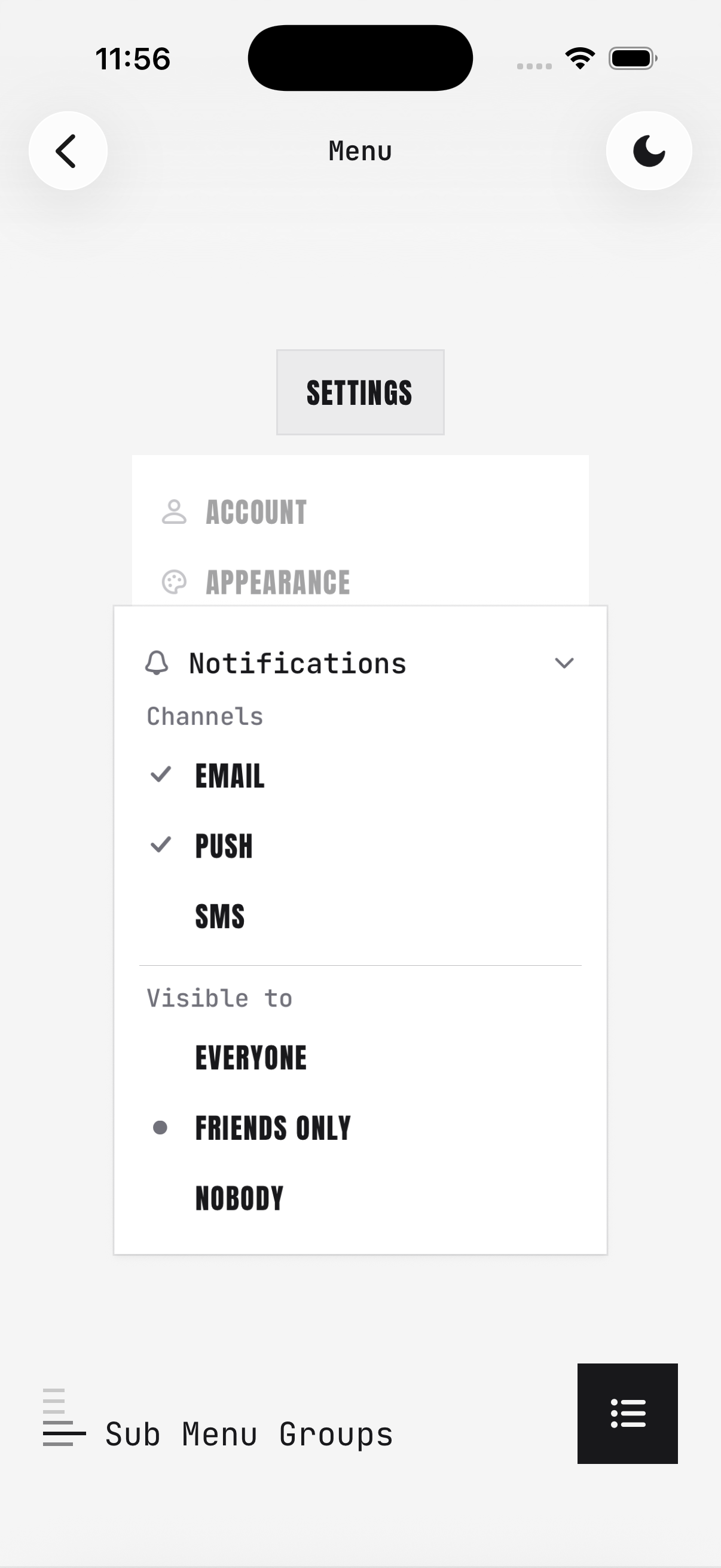
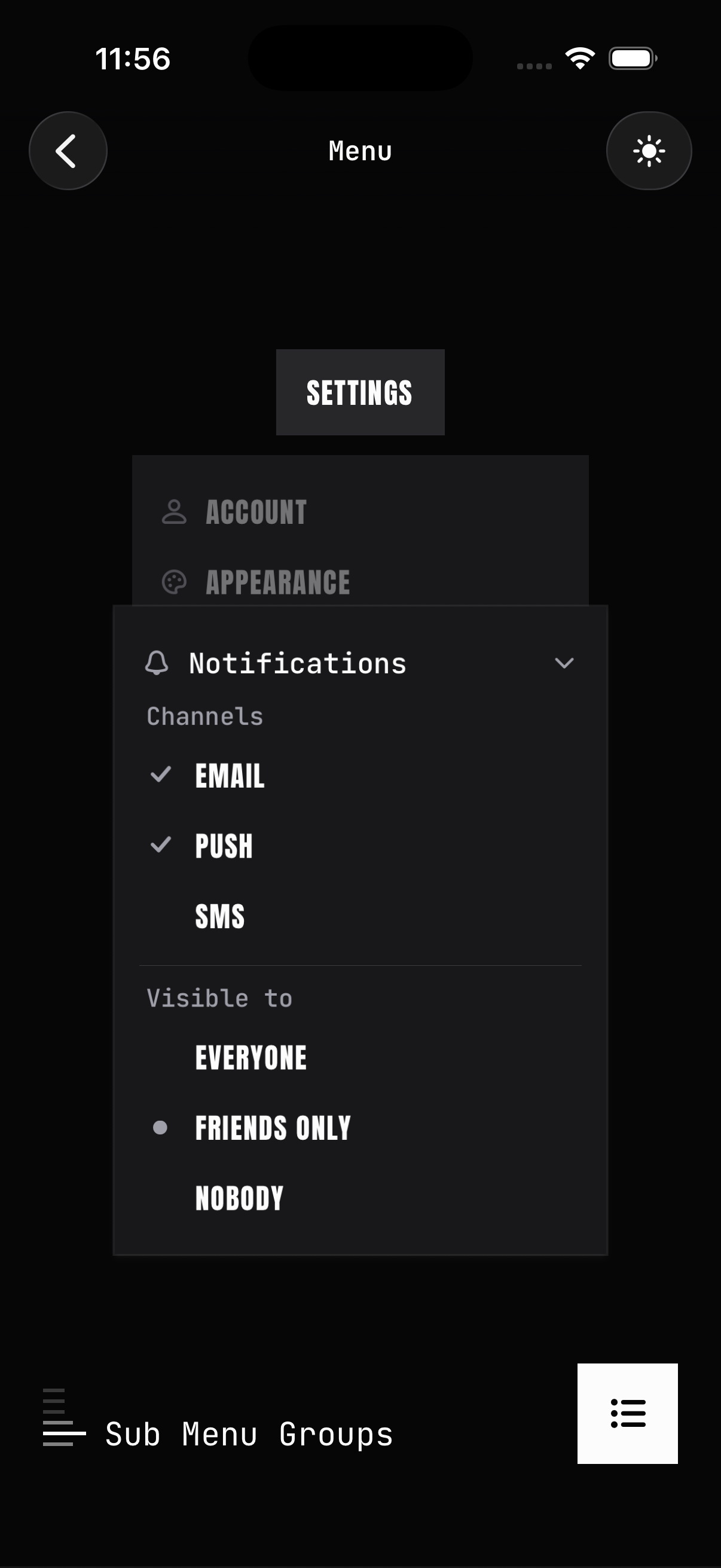
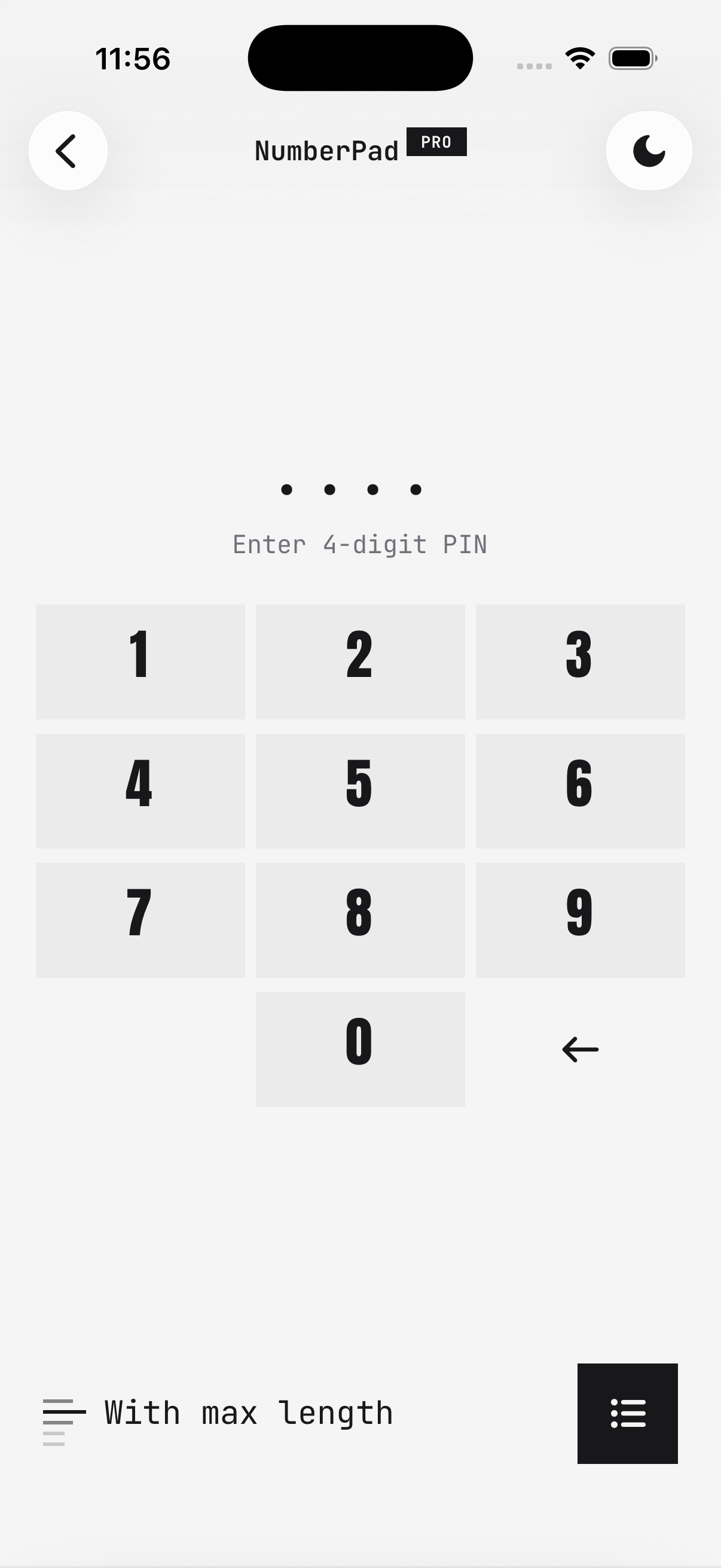
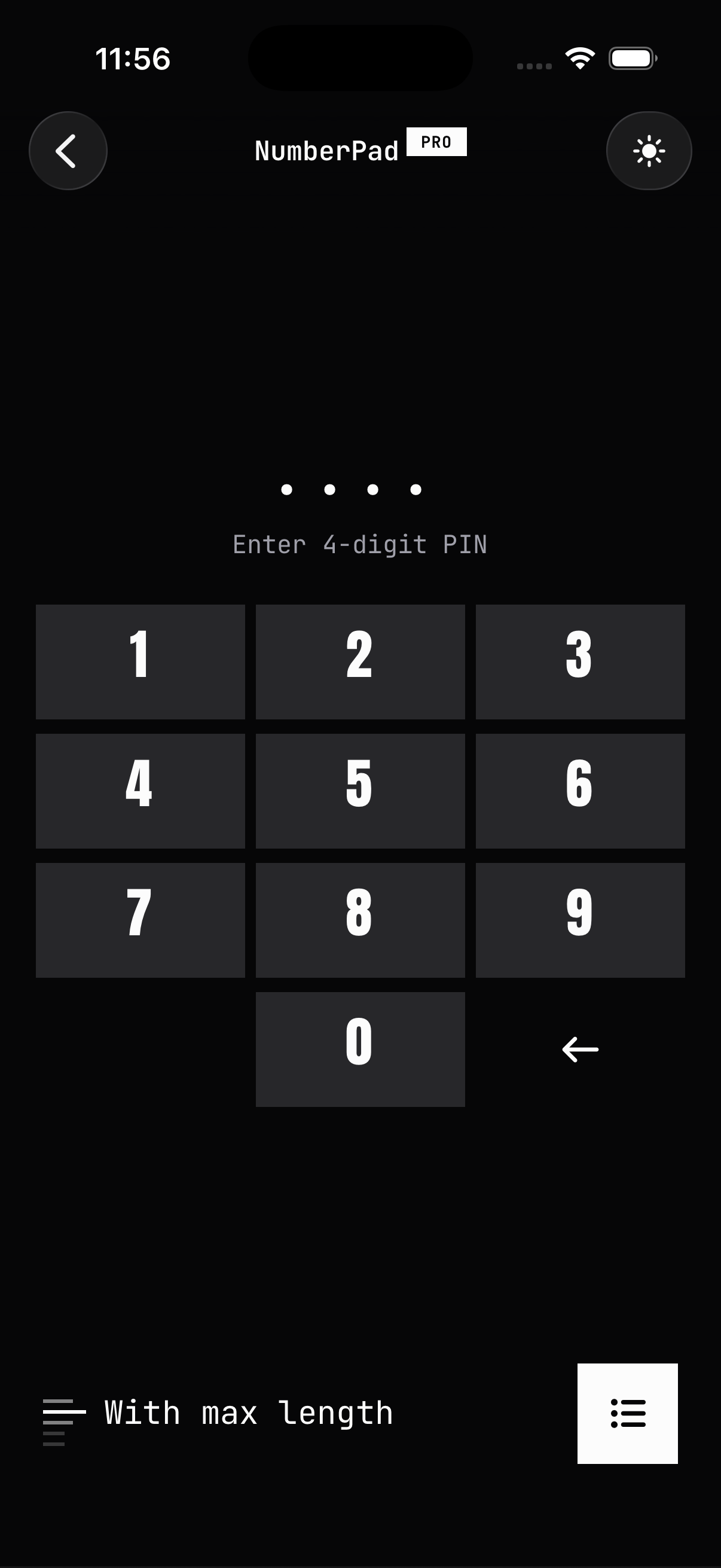
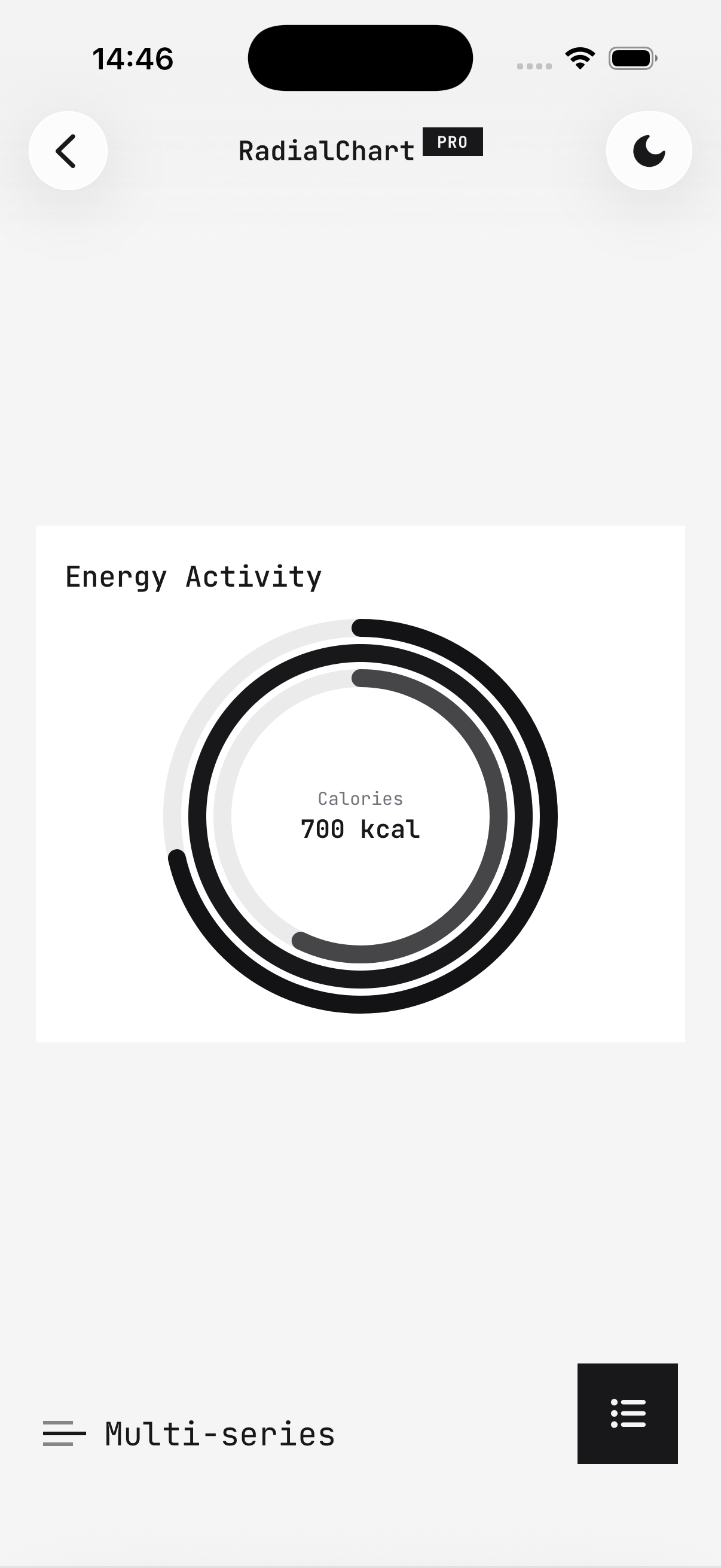
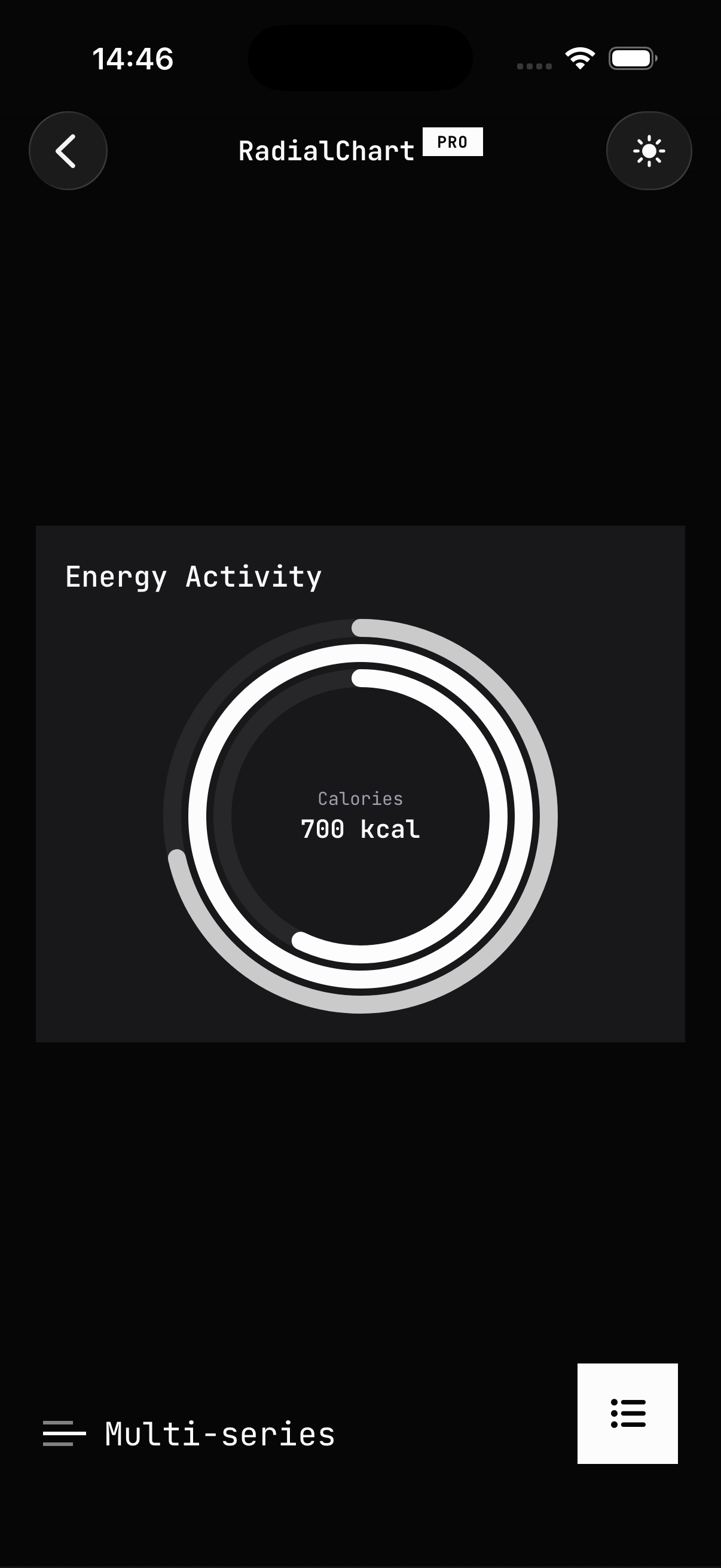
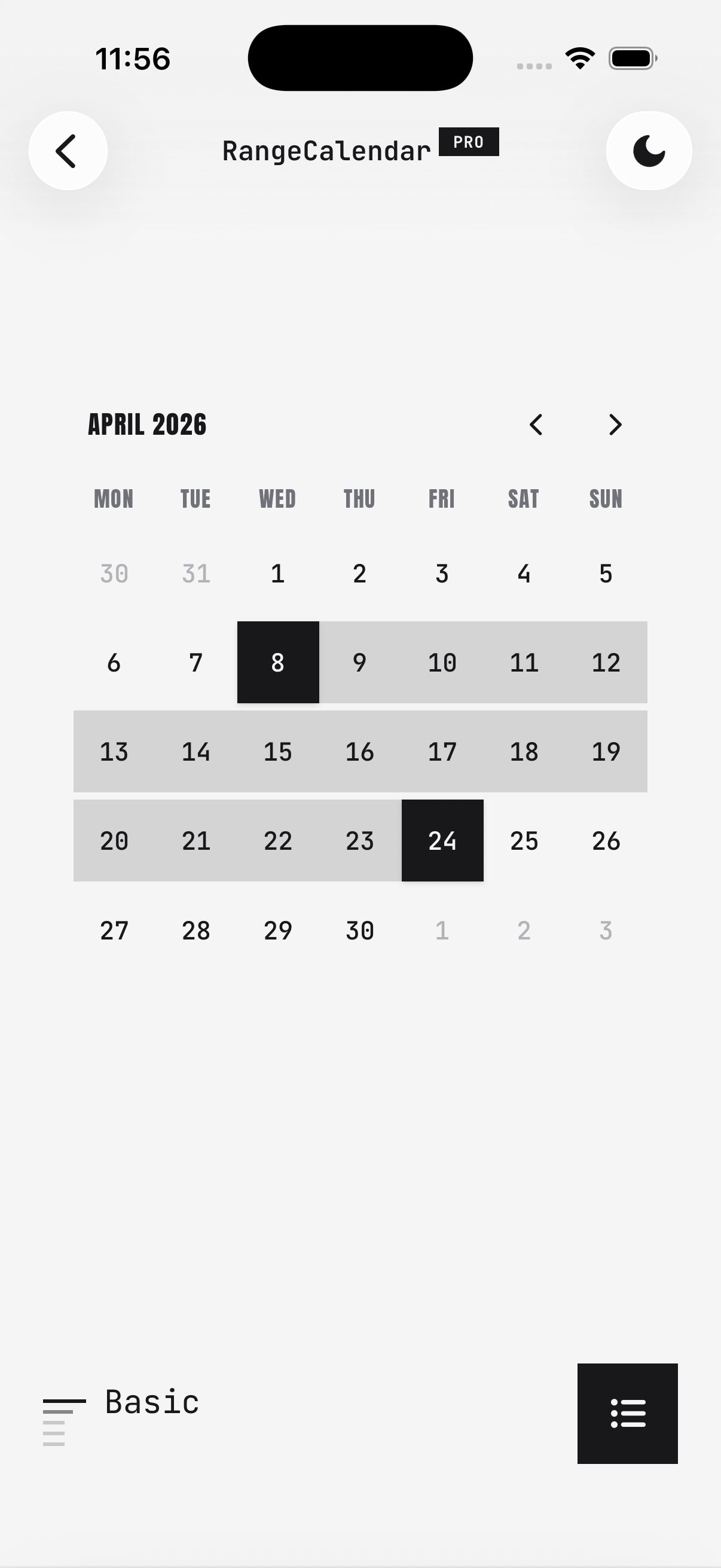
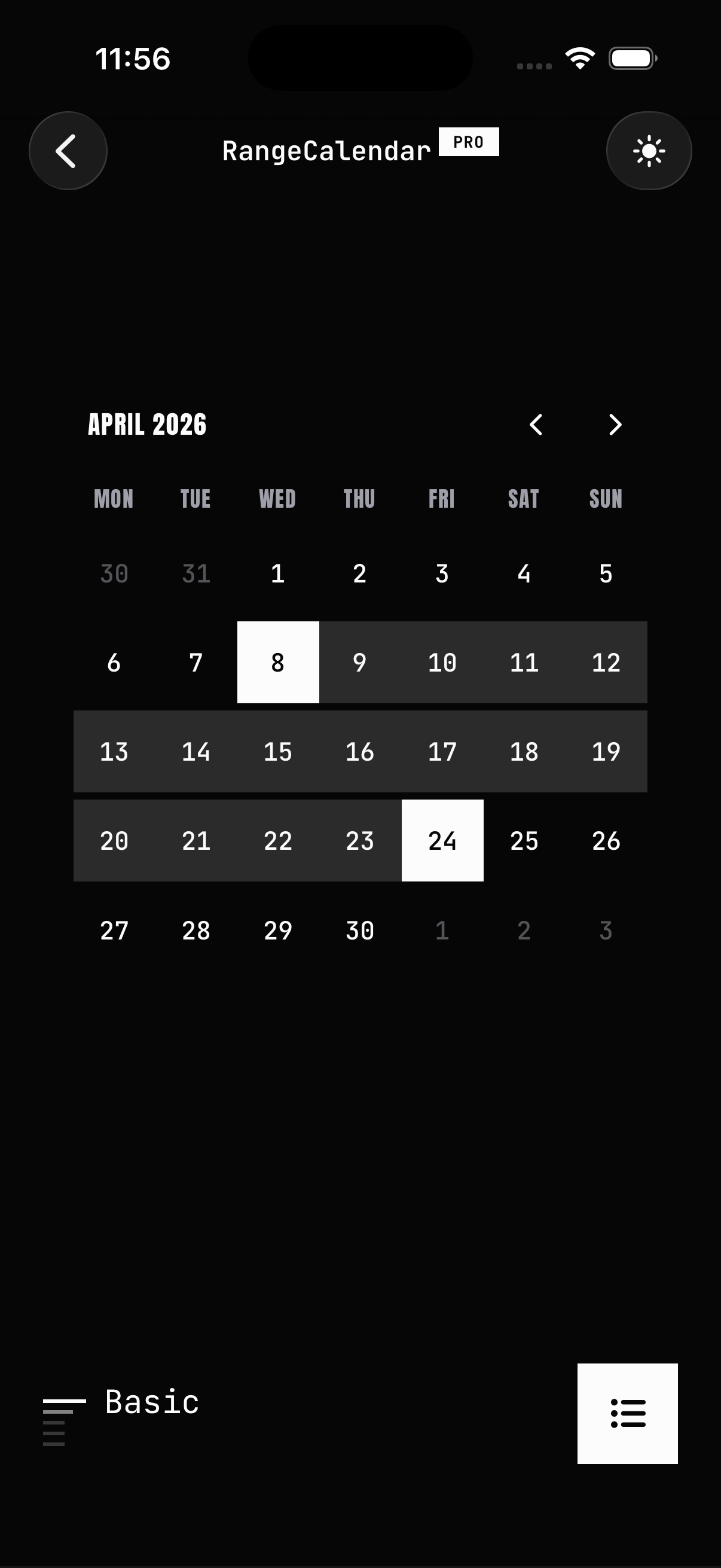
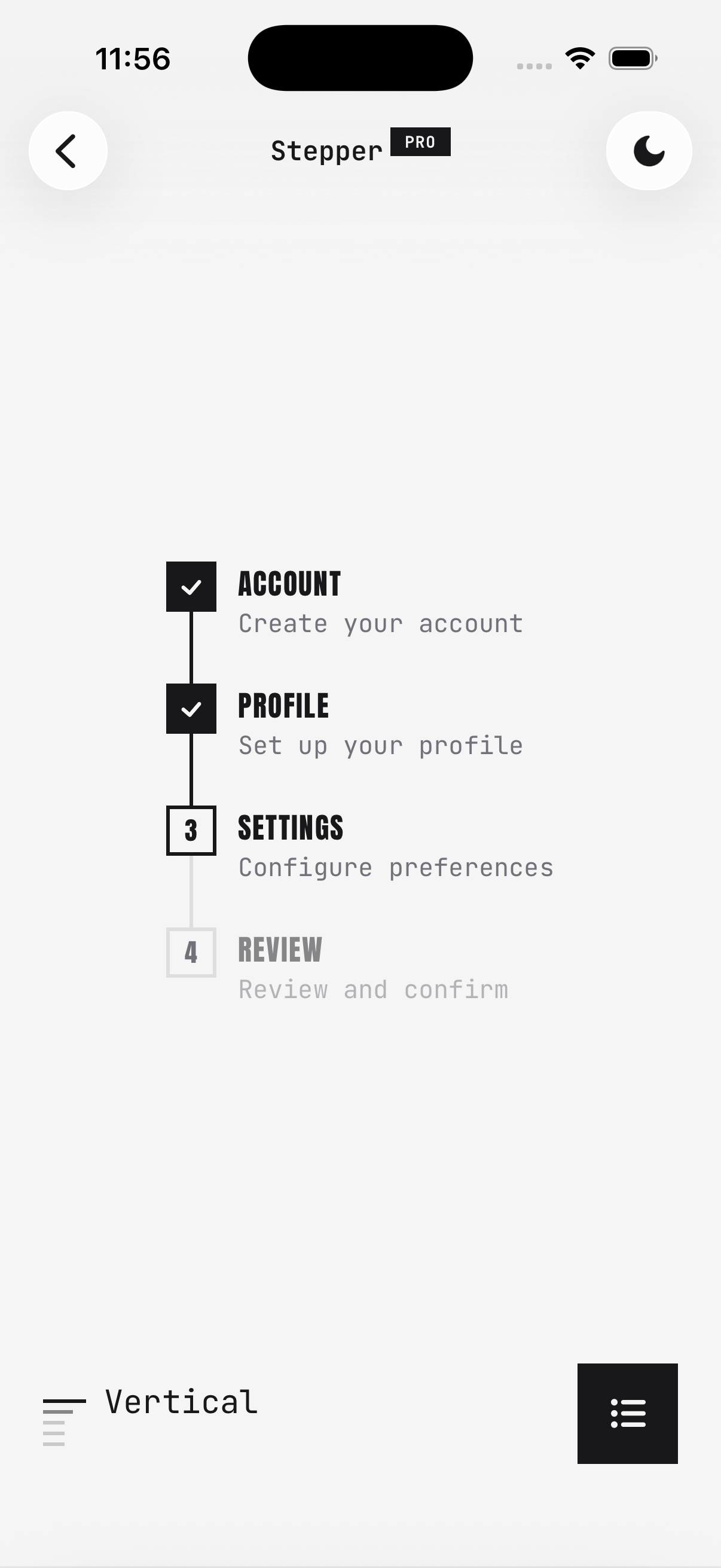
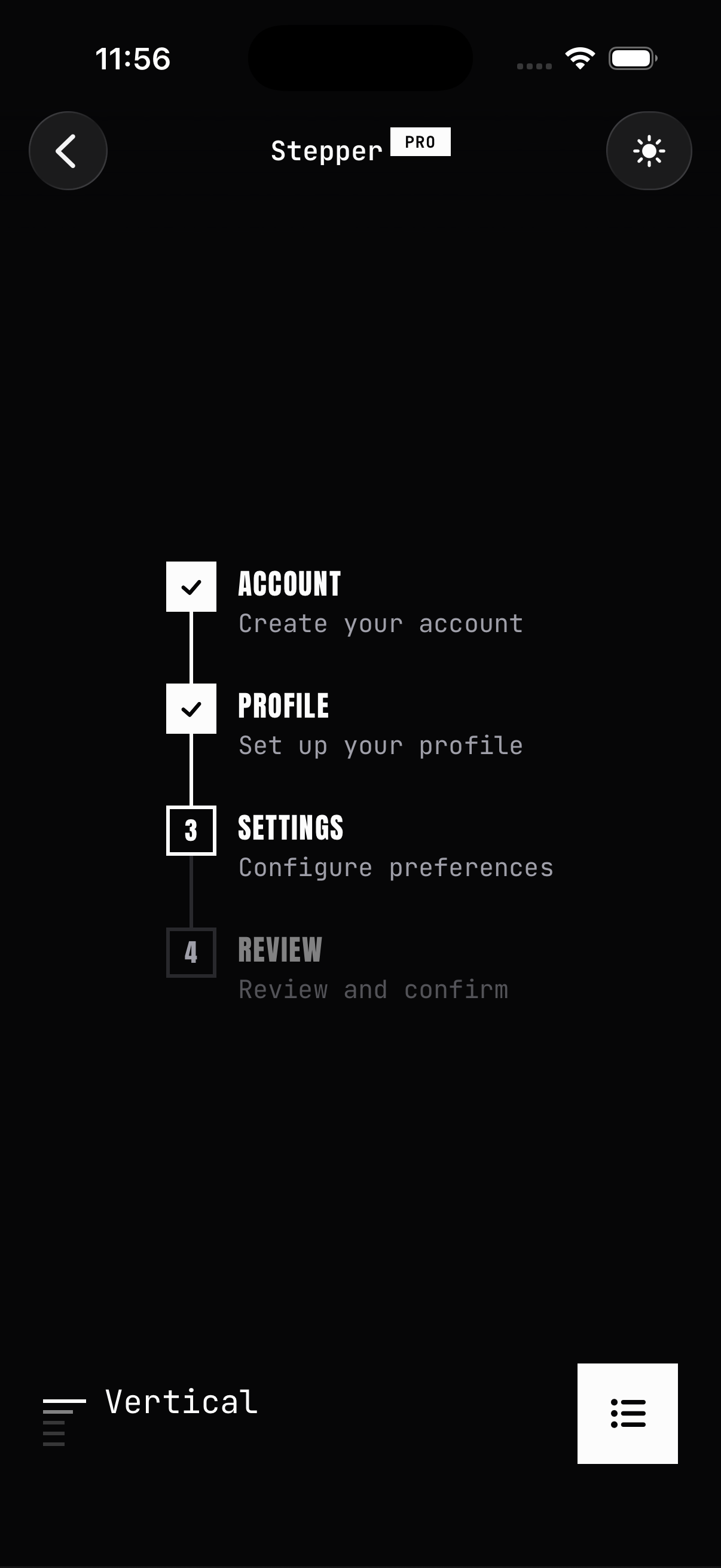
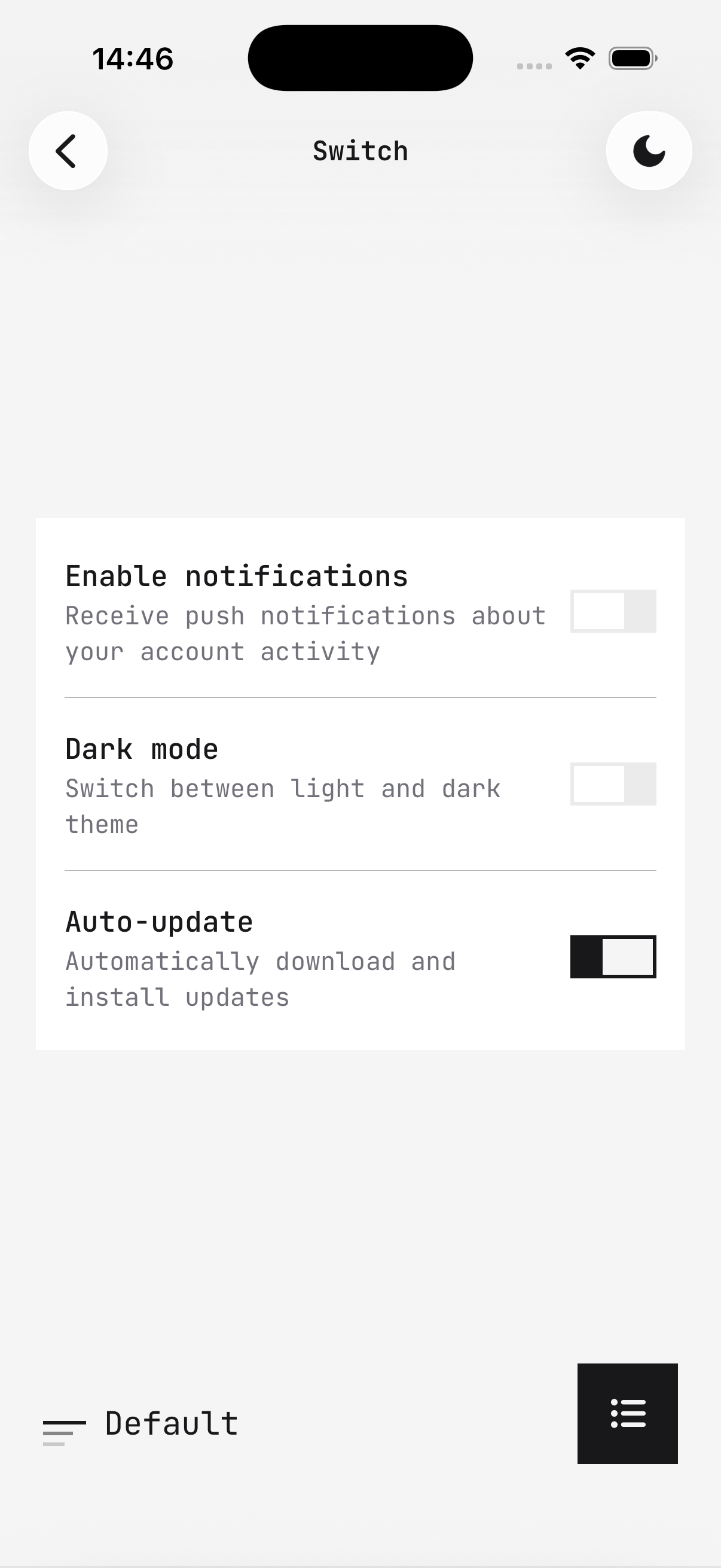
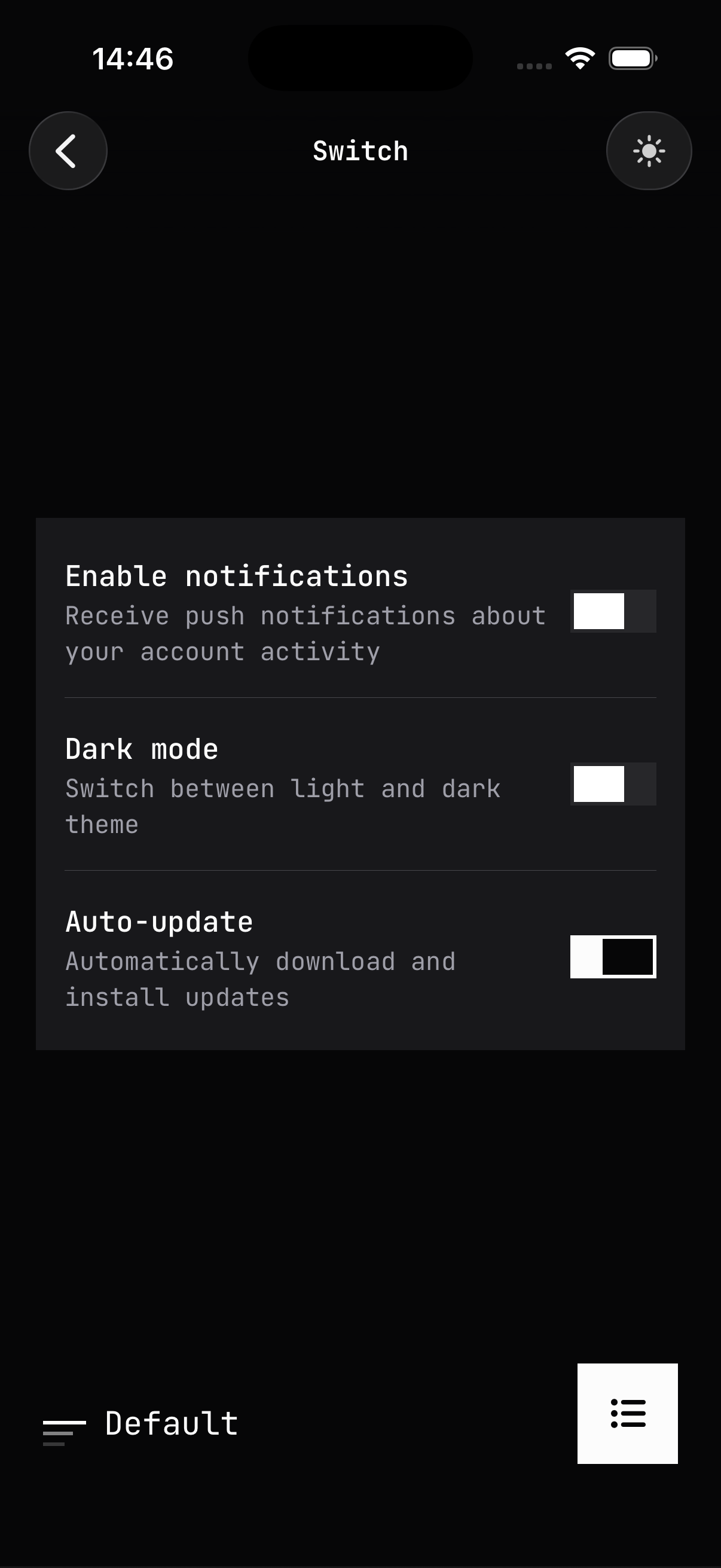
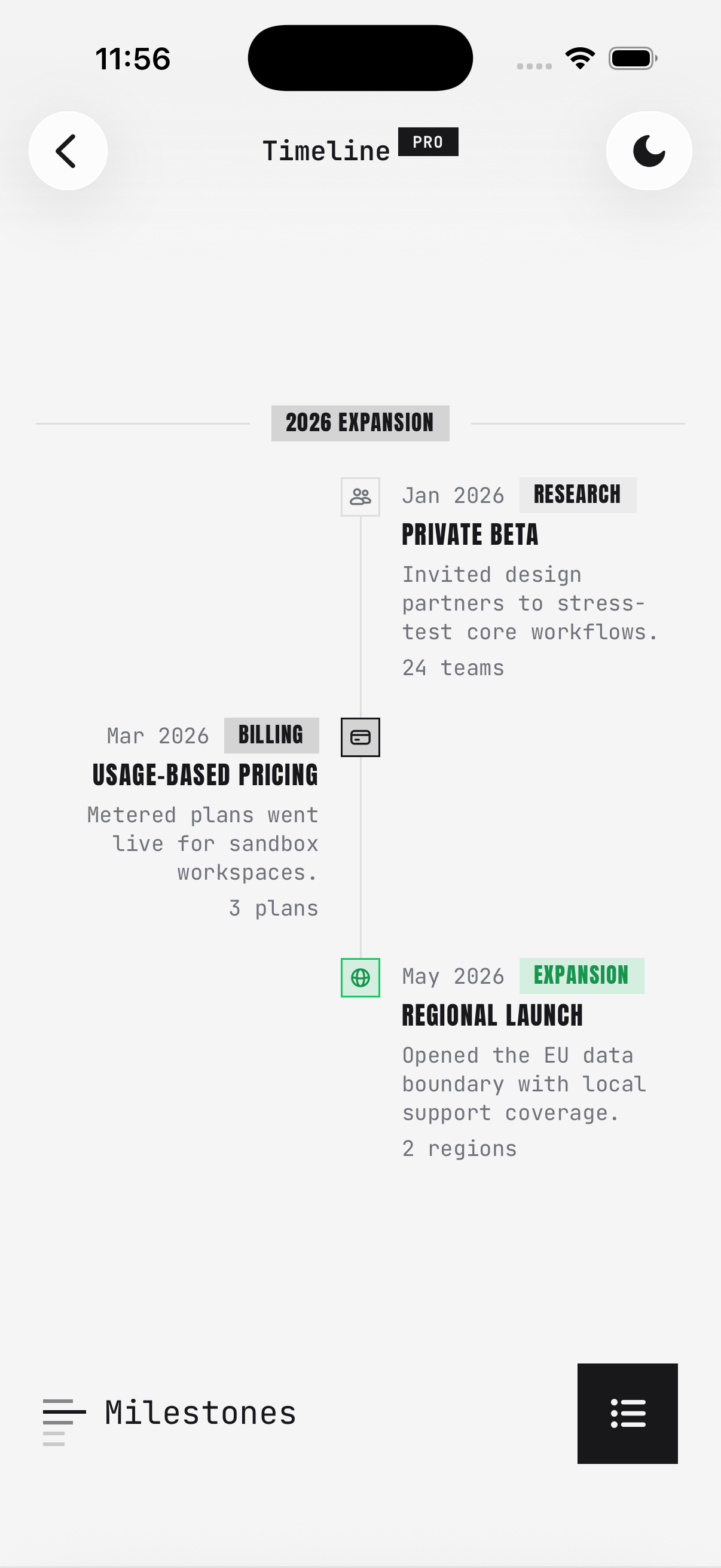
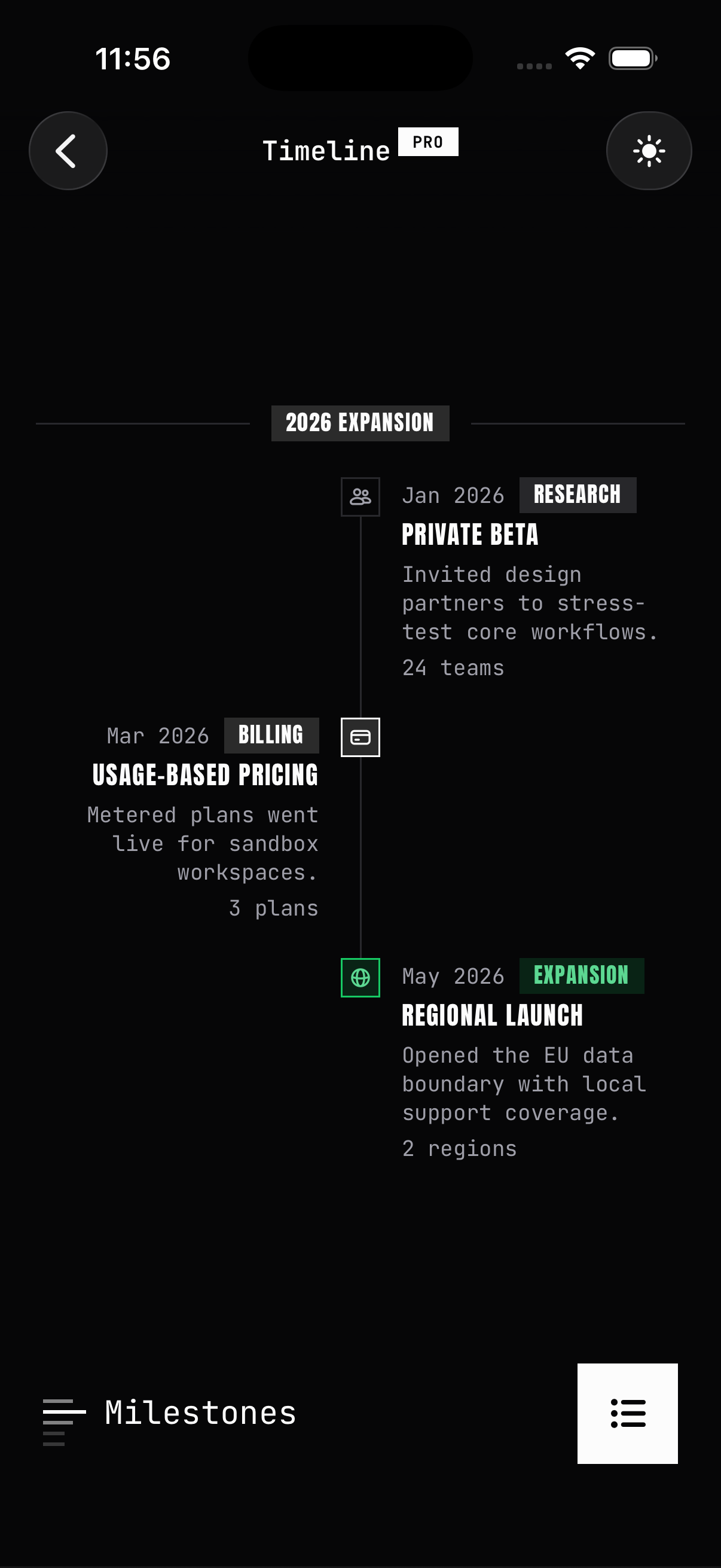
Bold borders, hard shadows, and display typography — a raw, high-contrast take on every component.
The Brutalism theme restyles every HeroUI Native Pro component with bold borders, hard shadows, and display typography for a raw, high-contrast look.
Preview
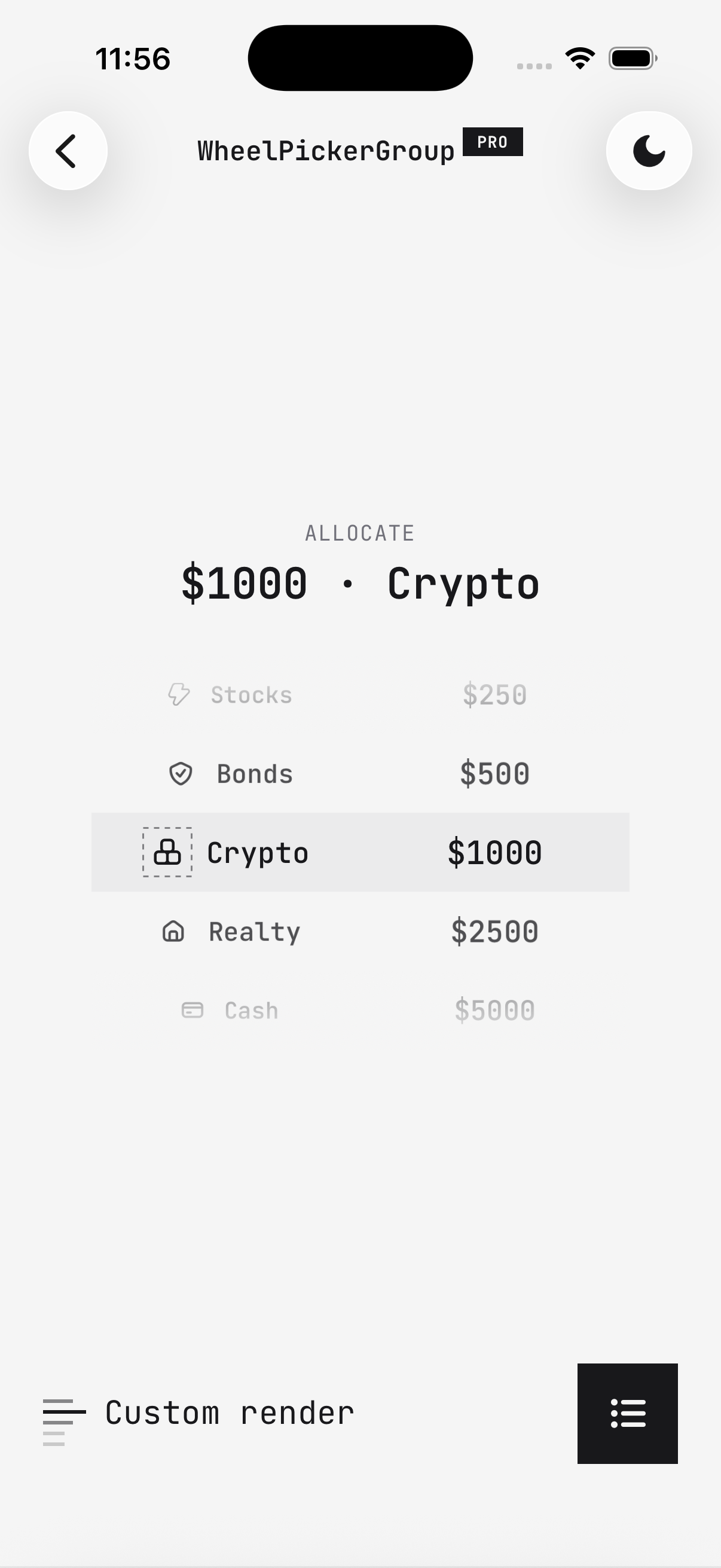
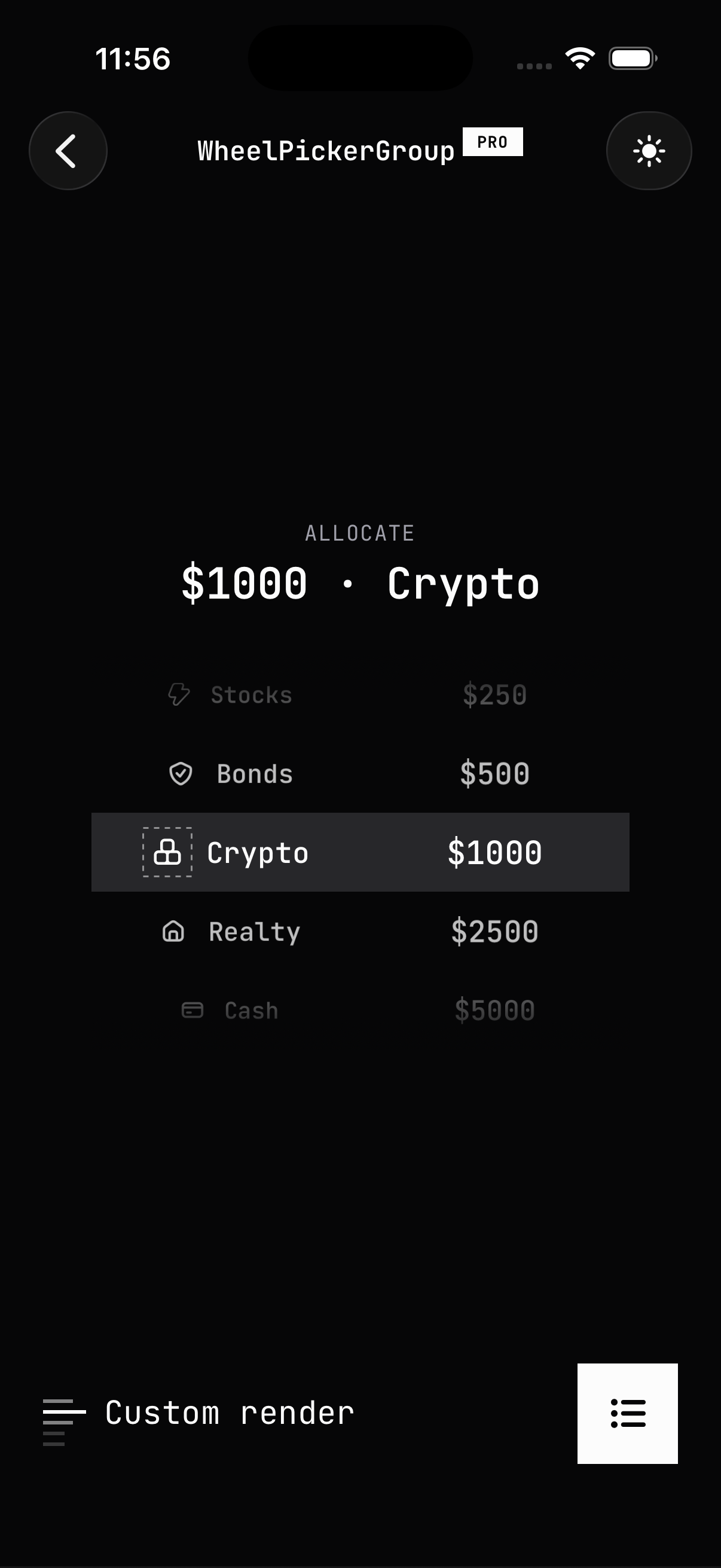
Installation
The Brutalism theme is included with HeroUI Native Pro. If you haven't installed the Pro package yet, follow the Installation guide first.
Import the theme in your global.css right after the HeroUI Native styles:
@import 'tailwindcss';
@import 'uniwind';

@import 'heroui-native/styles';
@import 'heroui-native-pro/styles';
@import 'heroui-native-pro/themes/brutalism';

@source './node_modules/heroui-native/lib';
@source './node_modules/heroui-native-pro/lib';
Fonts
Brutalism is designed around a monospace body font and a display font for labels. Load the fonts in your app (e.g., with expo-font) and map them to the theme font variables:
@layer theme {
  :root {
    @variant light {
      --font-normal: 'JetBrainsMono-Regular';
      --font-medium: 'JetBrainsMono-Medium';
      --font-semibold: 'JetBrainsMono-SemiBold';
      --font-bold: 'JetBrainsMono-Bold';

      --brutalism-font-display: 'Anton-Regular';
    }

    @variant dark {
      --font-normal: 'JetBrainsMono-Regular';
      --font-medium: 'JetBrainsMono-Medium';
      --font-semibold: 'JetBrainsMono-SemiBold';
      --font-bold: 'JetBrainsMono-Bold';

      --brutalism-font-display: 'Anton-Regular';
    }
  }
}
--brutalism-font-display is an exclusive Brutalism font variable used for labels.